Step 1
Join the testers group
Google Play requires beta testers to join our testers group first. Tap the button below and join. It's instant and public, no approval needed.
Join the testers group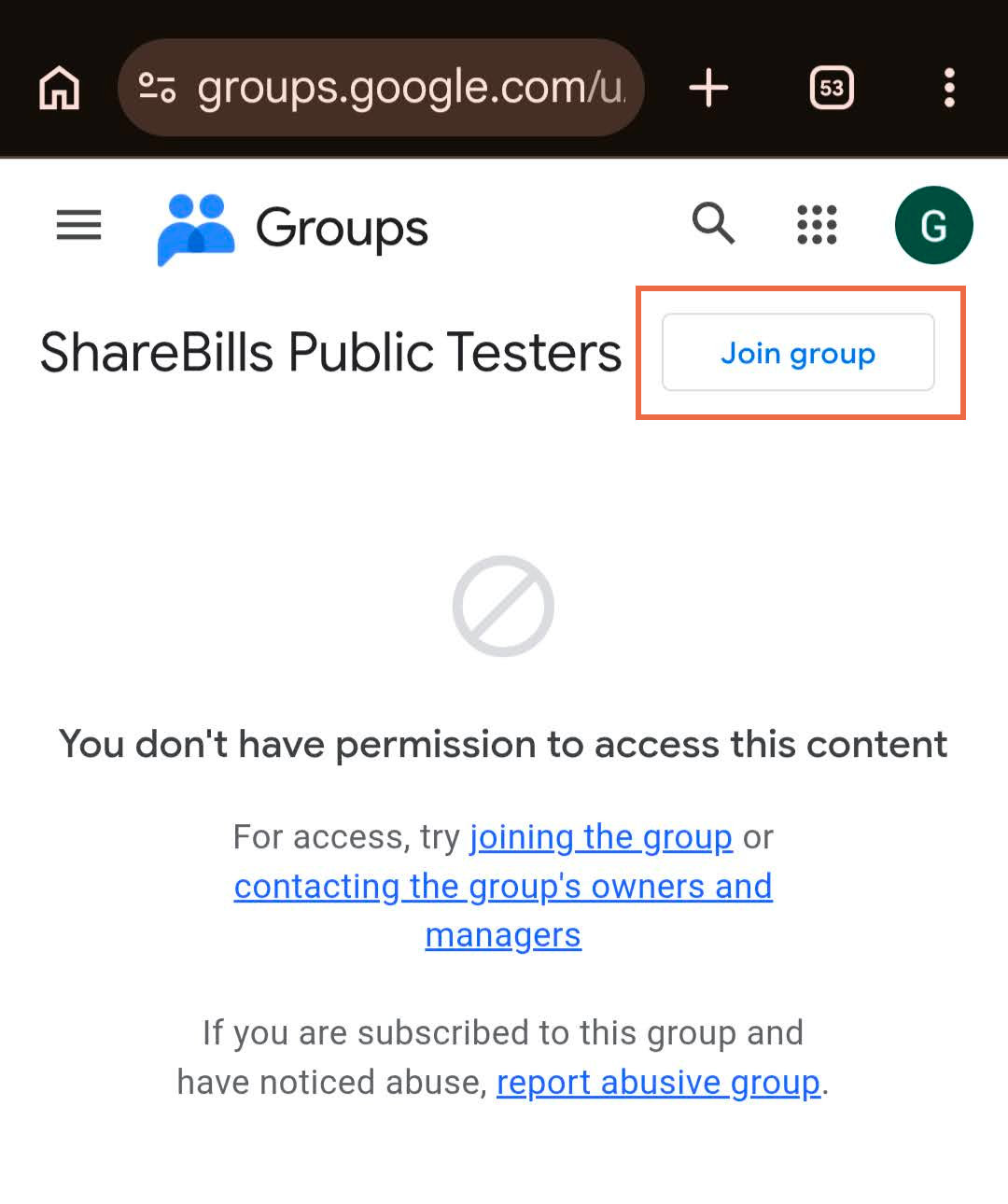
Step 2
Become a tester
Once you've joined the group, open the opt-in page and tap "Become a tester". This unlocks the beta build for your Google account.
Open the opt-in page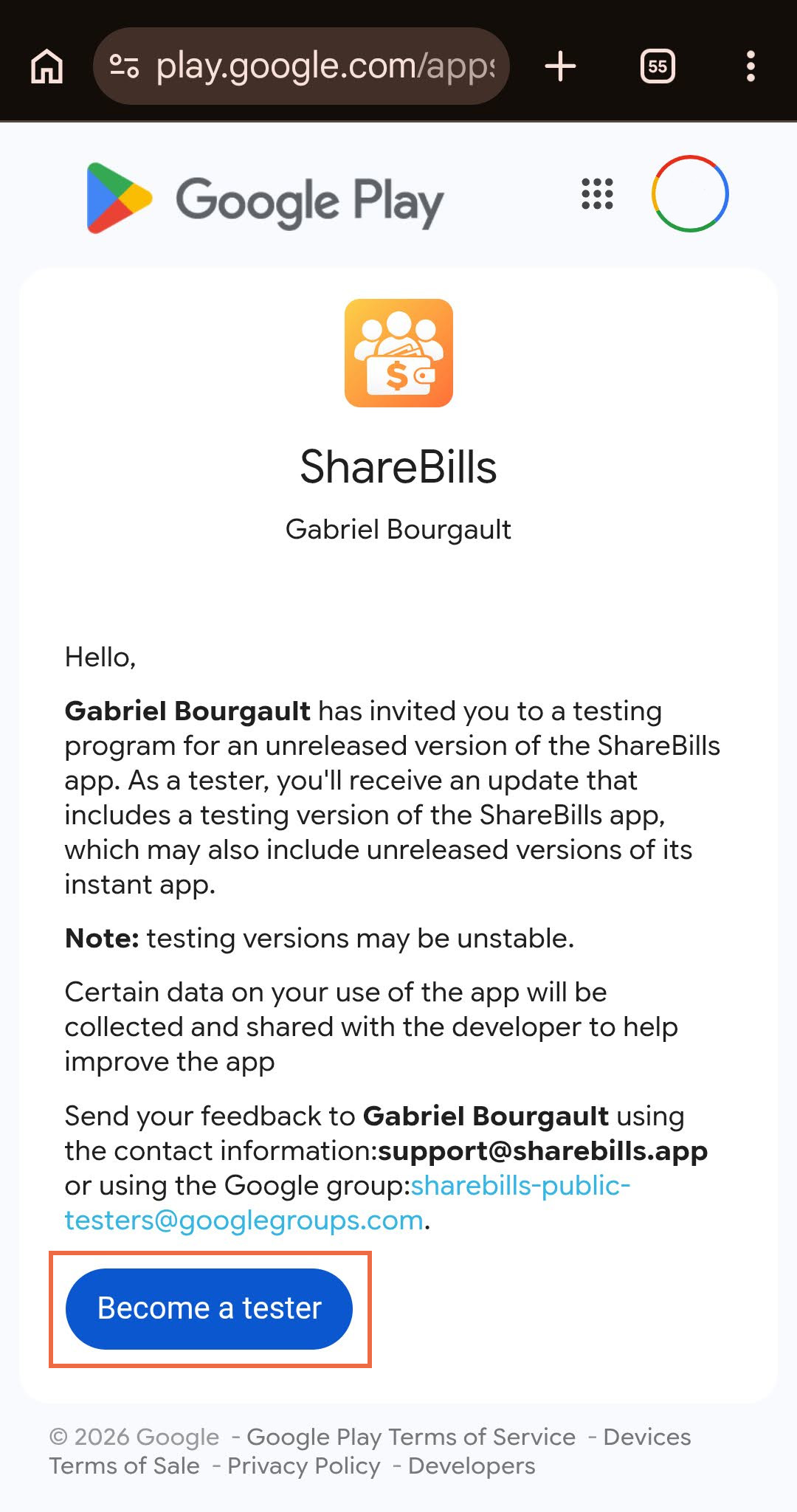
Step 3
Install ShareBills
After opting in, install ShareBills from the Google Play Store like any other app. If you see "item not available", give it a few minutes after opting in, then refresh.
Get it on Google Play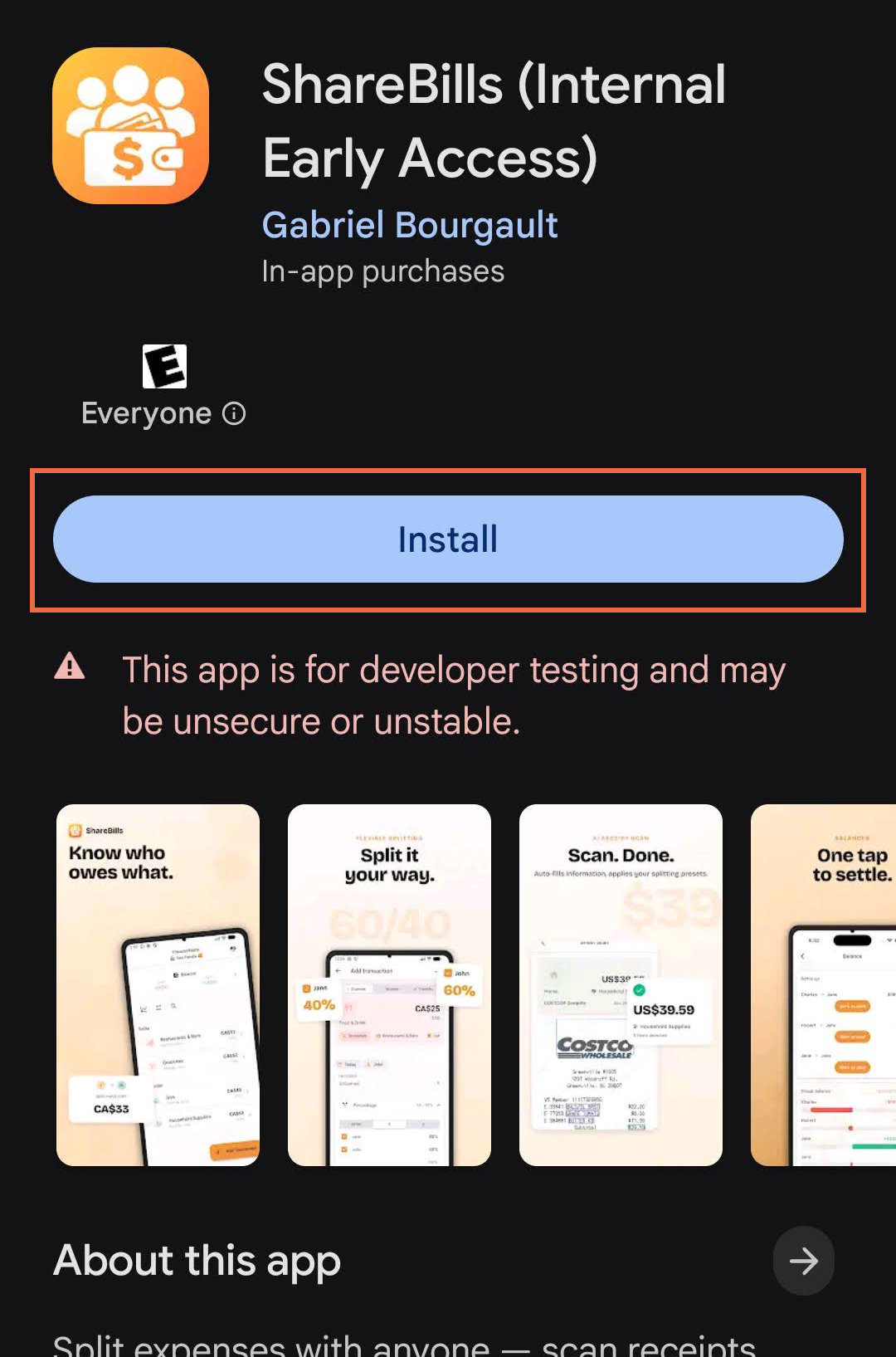
Already on iPhone? The iPhone beta runs through TestFlight instead. See the iPhone install guide.